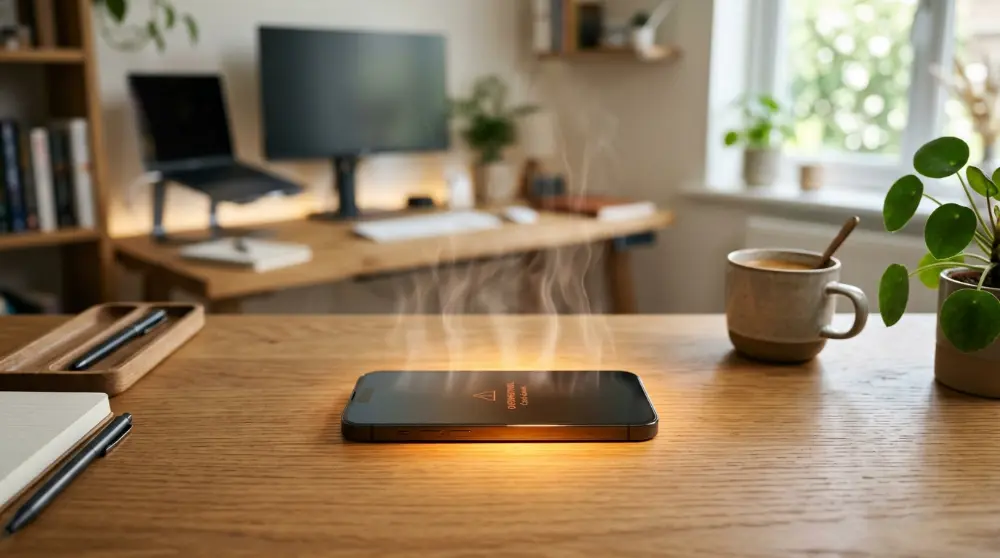
Have you ever picked up your phone and noticed that it’s much hotter than usual? Maybe it gets hot while charging, playing games, watching videos, or even when you’re not using it. It’s frustrating, especially when your battery starts draining faster than normal.
So, why is my phone overheating?
Your phone may be overheating because its processor, battery, or network connection is working too hard. Running heavy apps, using a weak cellular signal, charging for long periods, and sitting in direct sunlight can also make your phone hot.
The good news is that most phone heating problems can be fixed with a few simple steps. However, if your phone gets extremely hot without a clear reason, you shouldn’t ignore it.
Let’s look at the common causes and what you can do to keep your phone cool.
Why Is My Phone Overheating?
A phone produces some heat during normal use. For example, watching videos, taking pictures, and using mobile data can make its internal parts warmer.
But there’s a difference between normal warmth and overheating.
If your phone becomes too hot to hold comfortably, shows a temperature warning, or starts slowing down, something may be wrong.
Here are some common reasons why your phone gets too hot.
1. Running Too Many Apps at Once
One common reason for phone overheating is running too many apps at the same time.

Some apps continue working even after you leave them. They may download files, refresh content, send notifications, or use your internet connection in the background.
When several apps do this together, your phone’s processor has to work harder. This can increase heat and use more battery power.
How to fix it:
- Close apps you’re not using.
- Check which apps use the most battery.
- Remove apps you no longer need.
- Restart your phone if it stays hot.
You don’t need to close every app all the time. Just check whether a particular app is using too much power.
2. Playing Heavy Games for Too Long
Do you enjoy playing games like PUBG Mobile, Call of Duty Mobile, or other graphics-heavy games?
These games can make your phone hot because they need more processing power. Your phone has to handle graphics, sounds, internet connections, and other tasks at the same time.
The longer you play, the more heat your device may produce.
This is especially common when you play games while charging your phone.
How to fix it:
- Take short breaks between gaming sessions.
- Lower the game’s graphics settings.
- Reduce screen brightness.
- Avoid playing while your phone is charging.
- Remove a thick phone case if it traps heat.
If your phone becomes very hot during a game, stop playing and let it cool down before using it again.
3. Using Your Phone While Charging
Another common reason for phone overheating is using it while charging.

Your phone already produces heat when its battery is being charged. At the same time, activities like gaming, video streaming, and video calls make the processor work harder.
When both happen together, your phone can become much hotter than usual.
How to fix it:
- Avoid heavy tasks while charging.
- Use a good-quality charger and cable.
- Don’t cover your phone while charging.
- Unplug it if it becomes unusually hot.
Letting your phone charge without heavy use can help reduce extra heat.
Why Is My Phone Overheating? (More Common Causes)
4. Poor Cellular or Wi-Fi Signal
Have you noticed that your phone gets hot when you’re in an area with weak network coverage?
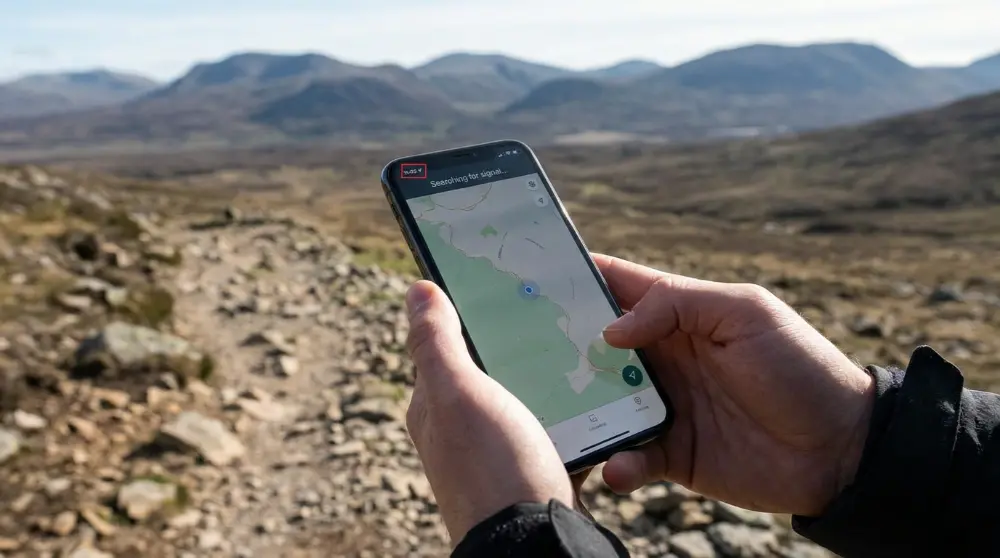
This can happen because your phone works harder to stay connected to a mobile network. When the signal is weak or keeps dropping, the cellular modem may use more power to find and maintain a connection.
As a result, your phone may heat up and lose battery faster than usual.
This often happens in basements, remote areas, elevators, or places with poor network coverage.
How to fix it:
- Move to an area with a stronger signal.
- Turn on Airplane Mode if you don’t need a network connection.
- Turn Airplane Mode off when you’re ready to use your network again.
- Connect to a stable Wi-Fi network when possible.
- Contact your mobile network provider if the signal problem happens regularly.
5. High Screen Brightness
Your phone’s display can also contribute to overheating.
When you keep your screen brightness at its highest level, the display needs more power. This can make your phone warmer, especially when you’re watching videos, using navigation, or spending a long time outdoors.
High brightness can also drain your battery faster.
How to fix it:
- Reduce your screen brightness.
- Turn on Auto Brightness or Adaptive Brightness.
- Set a shorter screen timeout.
- Avoid keeping your screen on when you don’t need it.
You don’t have to keep your screen dark. Just use a comfortable brightness level instead of maximum brightness all the time.
6. Direct Sunlight and Hot Weather
Sometimes, your phone gets hot because of the environment around it.

For example, leaving your phone on a car dashboard, near a sunny window, or outside on a hot day can increase its temperature.
This is especially important during summer when outdoor temperatures are already high.
Your phone has limits on how much heat it can safely handle. When its temperature becomes too high, it may reduce performance, dim the screen, or stop charging temporarily.
How to fix it:
- Keep your phone away from direct sunlight.
- Never leave it on a hot car dashboard.
- Store it in a shaded and cool place.
- Avoid using it outdoors for long periods in extreme heat.
- Remove the case if it traps extra heat.
If your phone is already very hot, stop using it and let it cool down naturally.
7. An Old or Damaged Battery
Is your phone getting hot even when you’re doing simple tasks?
An old or damaged battery could be the reason.
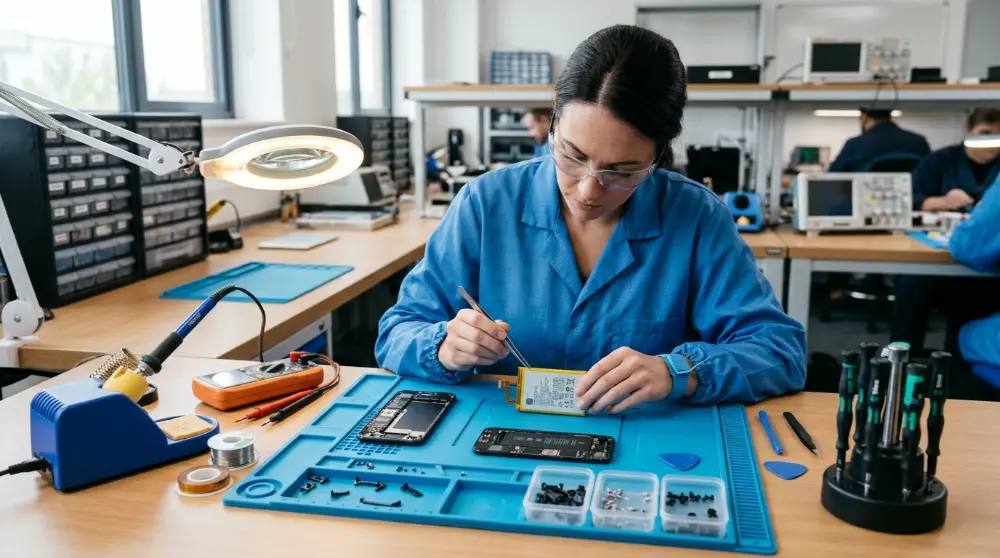
Over time, phone batteries lose their ability to hold power efficiently. A worn battery may drain quickly, cause unexpected shutdowns, or produce unusual heat.
Physical battery damage can be even more serious.
How to fix it:
- Check your phone’s battery health if this feature is available.
- Look for unusual battery drain.
- Avoid using damaged charging cables.
- Get the battery checked by a qualified repair technician.
Important: If your phone’s battery is swollen, stop using and charging the device. Don’t press, puncture, or try to remove the battery yourself. Get professional help.
Why Is My Phone Overheating Even When You’re Not Using It?
Sometimes, your phone gets hot even when you’re not playing games, watching videos, or doing anything demanding. That’s confusing, right?
There are several possible reasons. Let’s look at a few more.
8. Background Updates and Downloads
Your phone may be downloading updates or installing apps without you noticing.
For example, automatic app updates, photo backups, and system downloads can continue working in the background. These tasks use your internet connection, battery, and processor.
If several updates happen together, your phone may become warmer than usual.
How to fix it:
- Check whether your phone is downloading updates.
- Pause large downloads if your phone is getting hot.
- Turn off automatic updates temporarily if needed.
- Avoid downloading large files while charging.
- Let important updates finish before using demanding apps.
You can also check your battery settings to see whether an app is using more power than expected.
9. Software Bugs or Outdated Apps
Sometimes, the problem isn’t your phone’s hardware. It may be caused by a software issue.
An app with a bug can keep running in the background or use too much processing power. This can make your phone hot even when you’re not actively using that app.
Software problems can also cause other issues, such as an unresponsive touchscreen. If your phone screen stops responding to taps, check out our guide on how to fix a phone screen that is not responding to touch.
Outdated software may also contain problems that affect battery use and performance.
How to fix it:
- Open your phone’s settings.
- Check for available software updates.
- Update apps through the Google Play Store or Apple App Store.
- Restart your phone after installing updates.
- Remove any app that keeps causing overheating.
If the heating started after installing a particular app, try uninstalling it temporarily to see whether the problem goes away.
10. A Thick Phone Case Trapping Heat
Your phone case protects your device from scratches and accidental drops. However, some thick cases can make it harder for heat to escape.
This doesn’t mean every protective case causes overheating. But if your phone gets hot while charging or playing games, your case may be making the problem worse.
How to fix it:
- Remove the case when your phone becomes unusually warm.
- Avoid using thick cases during heavy gaming.
- Don’t cover your phone with blankets or clothes while charging.
- Choose a case that fits your phone properly.
If your phone cools down after removing the case, check whether your current case is trapping too much heat.
How to Cool Down an Overheating Phone Quickly
If your phone is already too hot, don’t panic. A few simple steps can help it cool down safely.
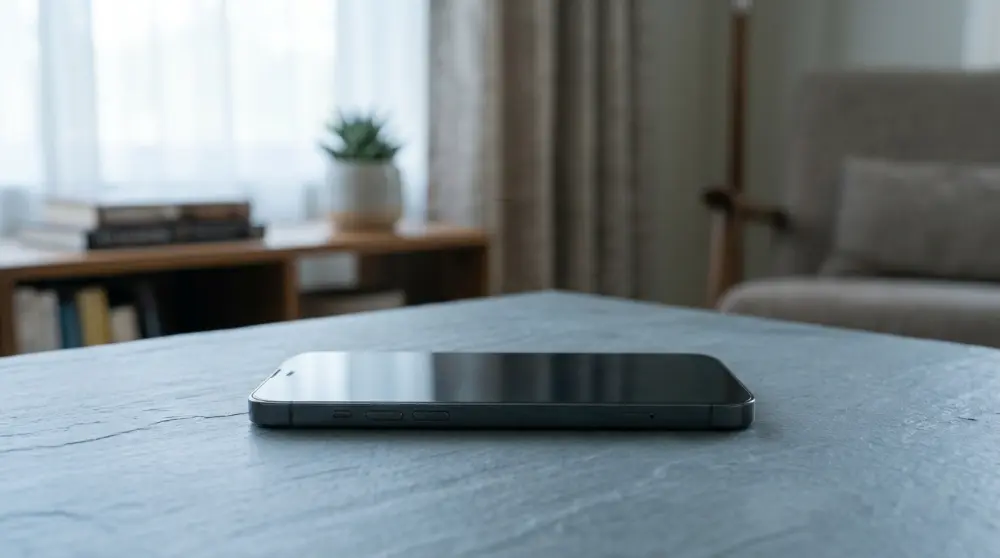
Try these steps:
- Stop using your phone: Close demanding apps and put your phone aside.
- Unplug the charger: If your phone is charging, disconnect it.
- Remove the phone case: This can help trapped heat escape.
- Move it away from sunlight: Place your phone in a shaded, well-ventilated area.
- Turn on Airplane Mode: This can reduce network activity when you don’t need a connection.
- Lower screen brightness: Avoid using the screen while your phone cools down.
- Wait before using it again: Give your phone enough time to return to a normal temperature.
One important warning: Never put your overheating phone in a refrigerator or freezer. A sudden temperature change can cause moisture to form inside the device and damage its parts.
If your phone shows a temperature warning, follow the instructions on its screen and let it cool before using it again.
How to Stop Your Phone From Overheating Again
Cooling down your phone is only the first step. You should also find out what’s causing the problem so it doesn’t keep happening.

Here are some simple habits that can help prevent phone overheating.
1. Avoid Using Heavy Apps for Too Long
Games, video editors, and other demanding apps can put extra pressure on your phone.
You don’t need to stop using them completely. Just take short breaks, especially when your phone starts getting warm.
2. Use a Good-Quality Charger
A poor-quality or damaged charger can cause charging problems and extra heat.
Always use a compatible charger and cable from a trusted brand. Check the cable and charging port for visible damage.
If your phone gets unusually hot every time you charge it, stop using that charger and have the device checked.
3. Keep Your Phone Software Updated
Software updates can fix bugs, improve performance, and sometimes help with battery problems.
Check for updates regularly and install them when they’re available.
Also, keep your apps updated to avoid problems caused by older versions.
4. Don’t Leave Your Phone in a Hot Place
Never leave your phone on a sunny windowsill, car dashboard, or near a heat source.
Even if you’re not using it, the surrounding temperature can make your device dangerously hot.
Keep it somewhere shaded and away from direct sunlight.
5. Check Battery Usage Regularly
Your phone has a battery usage section that shows which apps consume the most power.
Checking it regularly can help you find apps that use too much battery in the background.
On most Android phones, you can find this under:
Settings → Battery → Battery Usage
On an iPhone, check:
Settings → Battery
The exact menu names may vary depending on your phone model and software version.
When Should You Worry About Phone Overheating?
A warm phone isn’t always a problem. However, some signs mean you should take the issue seriously.
Watch out for these warning signs:
- Your phone becomes extremely hot during normal use.
- The battery drains unusually fast.
- Your phone shuts down without warning.
- You see a temperature warning on the screen.
- The screen becomes very dim because of heat.
- Your phone stops charging due to high temperature.
- The battery or back cover starts swelling.
If you notice any of these problems, stop using your phone and let it cool down safely.
If the problem keeps happening, contact the phone manufacturer or a qualified repair technician.
Never ignore a swollen battery or try to repair a damaged battery yourself. It can be dangerous.
Frequently Asked Questions About Phone Overheating
Here are answers to some common questions people ask when their phones get too hot.
1. Why Is My Phone Overheating Without Using It?
Your phone may get hot without use because some apps continue running in the background. Automatic updates, photo backups, weak network signals, and software problems can also cause extra heat.
Check your battery usage settings to find out whether an app is consuming too much power.
2. Why Is My Phone Overheating While Charging?
Your phone naturally produces some heat while charging. However, using heavy apps, playing games, or using a damaged charger can increase that heat.
Try charging your phone without using it. If it keeps getting unusually hot, disconnect it and have the charger and phone checked.
3. Why Is My Phone Hot and Losing Battery?
This can happen when apps use too much power in the background. Poor network coverage, an old battery, and high screen brightness can also cause faster battery drain.
Check your battery usage settings and look for apps that consume more power than expected.
4. Can Overheating Damage My Phone?
Yes, repeated or extreme overheating can damage your phone’s battery and other internal parts.
High temperatures may also cause your phone to slow down, stop charging, or shut down automatically.
If your phone becomes extremely hot, stop using it and let it cool down safely.
5. Why Does My Phone Get Hot So Fast?
Your phone may heat up quickly because of heavy apps, gaming, fast charging, poor network signals, or hot weather.
If it becomes hot during simple tasks, check for software problems or battery issues.
6. Should I Turn Off My Phone When It Overheats?
Yes, turning it off can help reduce heat because the processor and other components stop doing most of their work.
If your phone is extremely hot, disconnect the charger, turn it off if safe to do so, and leave it in a shaded, well-ventilated place.
7. Is It Normal for a New Phone to Get Hot?
A new phone may get warm during its first setup, software updates, app downloads, and data transfers.
However, it shouldn’t stay extremely hot during normal use. If the problem continues, contact the manufacturer for help.
Final Thoughts
So, why is my phone overheating? In most cases, the problem comes from heavy app usage, gaming, charging, poor network signals, direct sunlight, or battery issues.
The good news is that you can prevent many heating problems with simple habits. Avoid using demanding apps while charging, keep your phone away from direct sunlight, update your software, and check which apps use the most battery.
Most importantly, don’t ignore unusual heat. If your phone keeps overheating without a clear reason, or you notice a swollen battery, get professional help.
Taking care of your phone today can help you avoid bigger problems later.