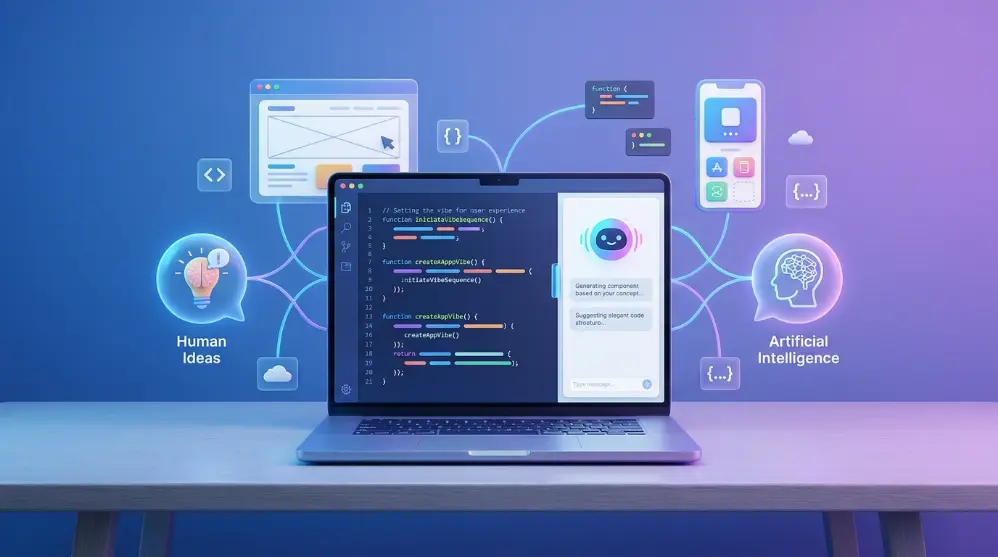
Vibe coding is a way of creating software with the help of AI by describing what you want in everyday language instead of writing code yourself.
You tell an AI tool what kind of website, app, or feature you want. The AI then generates the code, makes changes, and helps fix errors based on your instructions.
For example, imagine you want to create a simple calculator app. Instead of learning HTML, CSS, and JavaScript first, you can ask an AI assistant:
“Create a calculator with buttons for addition, subtraction, multiplication, and division. Give it a clean design that works on mobile phones.”
The AI can generate the code and show you a working version. If you don’t like the design, you can ask it to change the colors, button size, or layout.
That’s the basic idea behind vibe coding.
The interesting part is that you don’t always need to understand every line of code. You focus more on your idea, the final result, and the changes you want to make.
Who Coined the Term Vibe Coding?
The term vibe coding was introduced by Andrej Karpathy in February 2025.
Karpathy is an AI researcher and former director of AI at Tesla. He also co-founded OpenAI.
He used the phrase to describe a new way of working with AI coding tools. Instead of carefully writing and checking every line, he described his experience of giving instructions to an AI, accepting its changes, running the code, and sending error messages back when something went wrong.
The idea quickly caught people’s attention because it showed how AI could change the way people create software.
Today, vibe coding is used to describe both simple AI-generated projects and more advanced experiments with AI coding assistants.
However, there’s an important difference between using AI to help you code and blindly trusting everything it produces. We’ll explore that difference later in this guide.
How Does Vibe Coding Work?
Vibe coding works through a simple conversation between you and an AI tool. You explain what you want to build, and the AI turns your instructions into code.
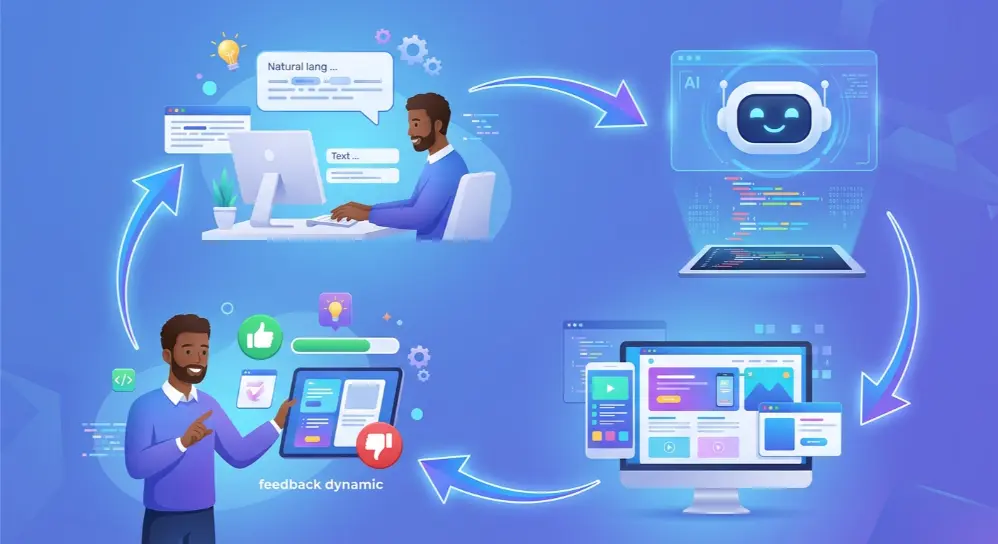
You don’t need to write a long technical document. Just explain your idea clearly and make changes until you get the result you want.
Here’s how the process usually works:
1. Start With an Idea
First, decide what you want to create. It could be a website, mobile app, online calculator, simple game, or business tool.
For example, you might want to build a website for a small restaurant.
2. Give Instructions to AI
Open an AI coding tool and describe your idea in plain language.
You could write:
“Build a simple restaurant website with a home page, menu section, contact details, and an online booking form. Use a modern design and make it mobile-friendly.”
The AI will understand your request and generate the code.
3. Check the First Result
Once the AI creates your project, open it and see how it looks.
Check whether:
- The design looks good.
- The buttons work correctly.
- The pages open properly.
- The website works on mobile devices.
- The information appears in the right places.
Don’t expect everything to work perfectly on the first try.
4. Ask AI to Make Changes
If something doesn’t look right, explain the problem to the AI.
For example:
“Make the menu section easier to read. Add food images and change the background color to light cream.”
The AI will update the code based on your instructions.
5. Test and Fix Errors
Sometimes, your project may show an error or a feature may stop working.
You can copy the error message and send it to the AI.
For example:
“The booking button isn’t working. Please check the code and fix the problem.”
The AI can review the code and suggest or apply a fix.
6. Improve Your Project
Keep testing your project and asking for useful improvements.
You might add new features, improve the design, fix problems, or make the website faster.
This process continues until your project works the way you want.
In simple words: Vibe coding follows a cycle: describe your idea, let AI build it, test the result, and ask for improvements.
What Are Some Examples of Vibe Coding?
Vibe coding isn’t limited to websites or mobile apps. You can use AI coding tools to create many different types of small software projects.
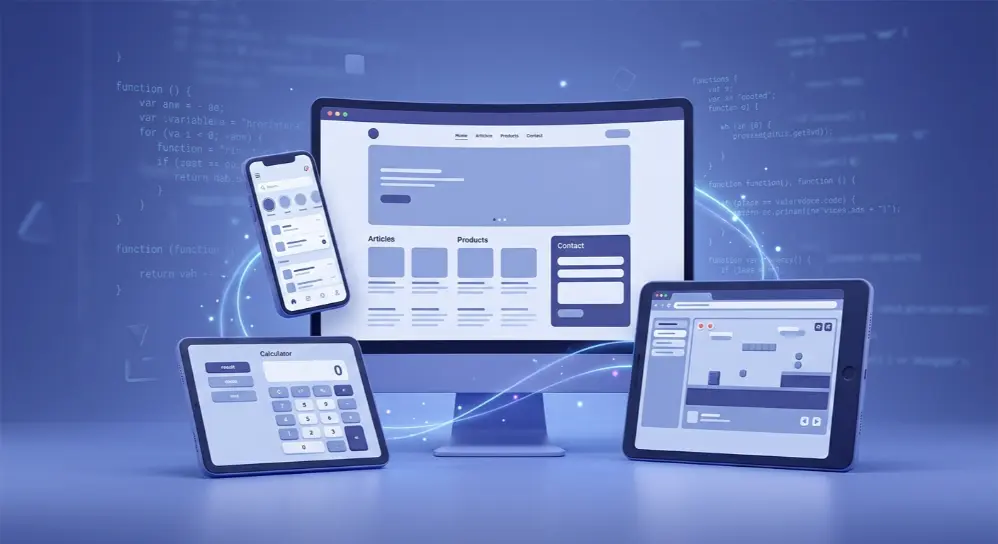
Here are some practical examples.
1. Creating a Website
Imagine you own a small business and need a website to show your services.
You can ask an AI tool:
“Create a professional website for a cleaning company. Add a homepage, services page, customer reviews, and contact form.”
The AI can generate the website structure and design. You can then ask it to change colors, add sections, or improve the layout.
2. Building a Calculator
You can create a calculator without writing the code yourself.
For example, you could build:
- Attendance percentage calculator
- Age calculator
- BMI calculator
- Loan calculator
- Percentage calculator
Simply explain what the calculator should do, which inputs it needs, and what results it should show.
3. Creating a Simple Mobile App
Suppose you want an app that helps students manage their daily tasks.
You can describe the features you need, such as adding tasks, setting reminders, marking completed work, and viewing daily progress.
An AI coding tool can help create a prototype or generate the code for the app.
AI can also help create videos from text prompts and images. Explore our guide to the best AI video generators to discover tools that make video creation easier.
However, publishing a working mobile app may still require extra steps, such as testing, app signing, and store approval.
4. Making a Simple Online Game
You can also use vibe coding to create basic games.
For example, ask AI to build a guessing game where players try to find a hidden number between 1 and 100.
You can later request a score counter, difficulty levels, and a restart button.
5. Building a Business Tool
Small businesses can use vibe coding to create simple tools for everyday tasks.
Some ideas include:
- Customer information tracker
- Invoice generator
- Daily sales calculator
- Appointment booking system
- Basic inventory tracker
These tools can save time, especially when you need a simple solution for a specific problem.
However, if a tool handles customer information, payments, or other sensitive data, make sure its security and privacy have been properly checked before using it.
The best part is that you don’t need to start with a big project. Pick one small problem, explain your idea, and see what AI can build.
Popular Vibe Coding Tools You Should Know
You don’t need to install complicated software to start vibe coding. Several AI tools can help you turn simple instructions into websites, apps, and other software projects.
Some tools are made for people who don’t know much about programming, while others offer more control for experienced developers.
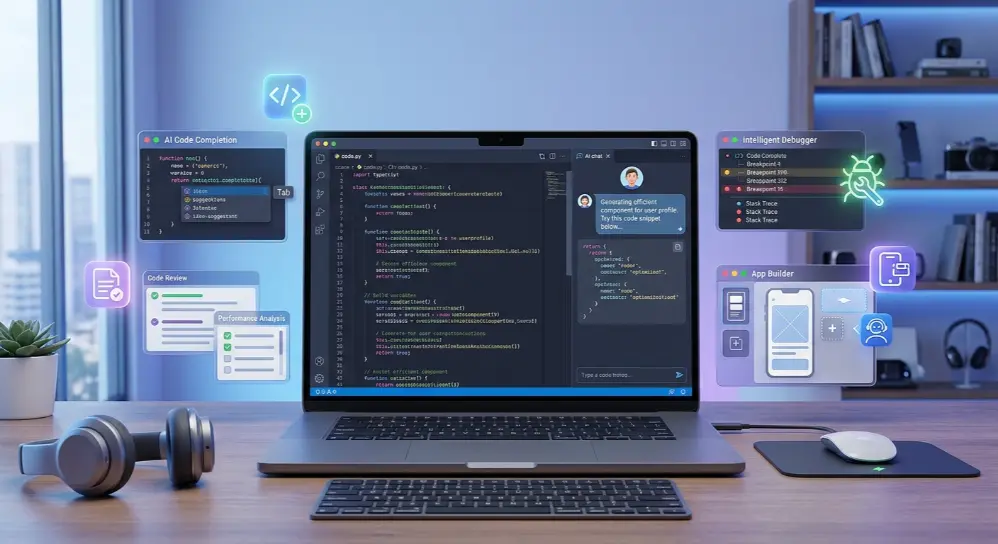
Here are some popular options.
1. Cursor
Cursor is an AI-powered code editor that helps developers create and edit software using natural language instructions.
You can open your project, describe the changes you want, and let its AI agent work across different files.
For example, you can ask it to:
- Create a new website feature.
- Fix errors in your existing code.
- Improve your website design.
- Add new pages or functions.
- Write and run tests.
Cursor is especially useful for people who already have some coding knowledge but want to work faster.
2. Replit
Replit is a popular choice for beginners who want to build apps without setting up a complicated coding environment.
Its AI agent can create an app from a simple description. It can also help with the design, database, login system, and hosting.
For example, you could ask:
“Build an online task manager where users can create accounts, add daily tasks, and mark completed tasks.”
Replit can generate the project and let you preview and improve it.
3. Windsurf
Windsurf is another AI-powered coding environment.
It helps developers work with existing code and build new features through AI assistance. It’s useful when you want an AI assistant to understand your project and help make changes across multiple files.
It can be a good option for developers who want more control over their projects.
4. GitHub Copilot
GitHub Copilot is an AI coding assistant that helps you write, understand, and improve code.
You can use it inside supported code editors to:
- Generate code from instructions.
- Explain difficult code.
- Suggest fixes for errors.
- Create unit tests.
- Help review code changes.
It’s a useful option for both beginners learning programming and experienced developers working on larger projects.
5. Google AI Studio
Google AI Studio lets you create apps by describing your ideas to Google’s Gemini AI models.
Its Build mode can generate web applications and native Android app projects from natural language prompts.
You can preview the result, make changes through conversation, and work with the generated code.
It’s a useful starting point for people who want to experiment with AI app development without setting up a traditional coding environment.
Google’s official documentation explains how to create apps through its Build mode. <Cite refs={[“turn727063search2″,”turn727063search16”]}/>
6. ChatGPT and Claude
You can also use conversational AI tools like ChatGPT and Claude to generate code, explain programming concepts, fix errors, and plan software projects.
For example, you can ask ChatGPT to create an HTML calculator or help you understand why a JavaScript function isn’t working.
You can then test the generated code and ask for changes.
These tools are helpful when you want to learn while building something.
Which Vibe Coding Tool Should You Choose?
The right tool depends on what you want to create and how much coding knowledge you have.
| Tool | Best For |
|---|---|
| Cursor | Editing and building code projects |
| Replit | Creating apps from simple prompts |
| Windsurf | AI-assisted development |
| GitHub Copilot | Writing and improving code |
| Google AI Studio | Building AI-powered apps |
| ChatGPT | Generating and understanding code |
| Claude | Working with code and project ideas |
Tool features and pricing can change, so check each official website before choosing a paid plan.
Can Beginners Use Vibe Coding Without Knowing How to Code?
Yes, beginners can use vibe coding without having previous programming experience. That’s one of the main reasons this approach has become popular.
You don’t need to learn programming languages before trying your first project. You can start by explaining your idea in simple English.
For example, imagine you’re a student who wants to create a personal study planner.
You could give an AI tool this instruction:
“Create a simple study planner where I can add subjects, set daily study goals, create tasks, and mark completed tasks. Use a clean design with a calendar.”
The AI can generate a starting version of your study planner.
You can then ask it to add features or change the design.
However, there’s one thing beginners should understand: Not knowing how to code doesn’t mean you don’t need to understand what you’re building.
AI can make mistakes. If you don’t know how your project works, fixing serious problems can become difficult.
Here are some simple tips for beginners:
- Start with a small project instead of building a complex app.
- Explain your requirements clearly.
- Add one feature at a time.
- Test every button and function.
- Ask AI to explain the code it creates.
- Keep a backup of your project.
- Don’t publish an app without checking its security.
You don’t have to become an expert programmer before trying vibe coding. But learning basic coding concepts will help you make better decisions and solve problems more easily.
What Are the Benefits of Vibe Coding?
Vibe coding has changed how people approach software development. Instead of spending hours writing code manually, you can use AI to turn an idea into a working project much faster.
It’s especially helpful when you want to test an idea or create something simple without hiring a developer.
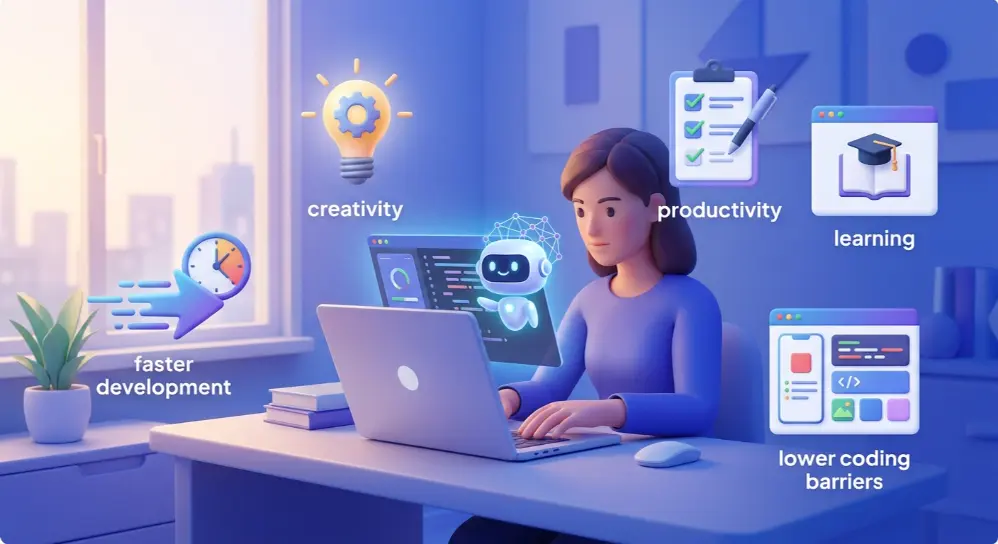
Here are some of its biggest benefits.
1. You Don’t Need Advanced Coding Skills
One of the biggest advantages of vibe coding is that beginners can create simple software projects without knowing several programming languages.
You can explain your idea in everyday language, and AI can help turn it into code.
This makes software development more accessible to students, business owners, designers, and people with no technical background.
2. Faster Project Development
Traditional software development can take days or weeks, depending on the project’s size.
With AI coding tools, you can generate a basic prototype much faster.
For example, you might describe a simple online calculator and get a working first version within minutes.
Of course, testing and improving the project can still take time.
3. Saves Time and Effort
AI can handle many repetitive coding tasks, such as creating basic functions, writing simple scripts, and fixing common errors.
Instead of doing everything manually, you can focus on what your project needs and how people will use it.
4. Easy to Test New Ideas
Have you ever had an app idea but weren’t sure whether it would work?
Vibe coding lets you create a basic version and test your idea before spending too much time or money.
For example, a business owner could create a simple booking tool to see whether customers find it useful.
5. Makes Learning More Interesting
Beginners can learn programming concepts while building real projects.
When something doesn’t work, you can ask AI to explain the problem in simple words.
You can also ask it to explain what each part of the generated code does.
This can make learning less stressful and more practical.
6. Helps Developers Work More Efficiently
Vibe coding isn’t only useful for beginners.
Experienced developers can use AI to create prototypes, test small ideas, generate basic functions, and explore different solutions.
It can reduce repetitive work and leave more time for important development tasks.
What Are the Risks and Limitations of Vibe Coding?
Although vibe coding offers many benefits, it isn’t perfect.
AI can generate code quickly, but that doesn’t mean every result is safe, correct, or ready for real users.
If you depend on AI without checking its work, you may face serious problems later.
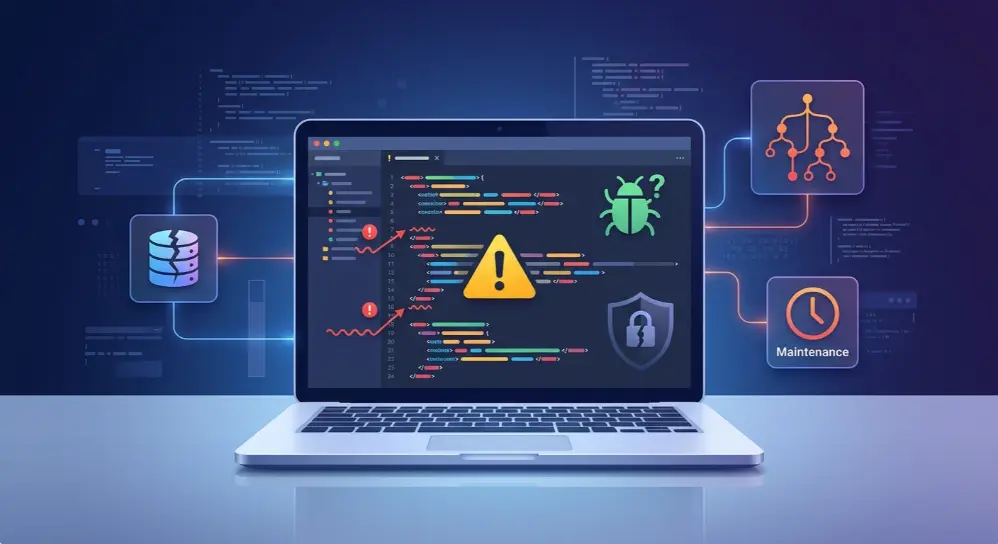
Here are some important limitations to understand.
1. AI Can Generate Incorrect Code
AI tools sometimes produce code that looks correct but doesn’t work as expected.
For example, you might ask AI to create a login system. The page may look professional, but the login function could contain errors.
This is why you should test every important feature instead of trusting the first result.
2. Security Problems
Security is one of the biggest concerns with vibe coding.
AI-generated code can contain weaknesses that attackers may exploit.
Some possible problems include:
- Weak login and password protection.
- Exposed API keys or secret information.
- Unsafe database queries.
- Poor handling of user information.
- Missing input validation.
For example, a poorly designed database query could create an SQL injection risk.
If you’re building an app that handles customer details, payments, or private information, have the code reviewed by someone with security knowledge before launching it.
3. Difficult to Fix Complex Errors
Imagine you’ve built an app by giving AI hundreds of instructions.
Everything seems fine until one feature suddenly stops working.
You ask AI to fix it, but the changes create two more problems.
This can happen when the project becomes too complex or when different parts of the code depend on each other.
Without basic programming knowledge, finding the real cause can be difficult.
4. Poor Code Quality
AI sometimes generates unnecessary code or creates solutions that aren’t easy to maintain.
A small feature might end up using more code than needed.
This may not matter much for a temporary prototype, but it can become a problem when you’re developing a large application.
5. AI Doesn’t Always Understand Your Instructions
AI tools depend on the information you provide.
If your instructions are unclear, the AI may misunderstand your requirements and build something different from what you expected.
For example, asking for a “simple booking system” doesn’t explain whether you need customer accounts, payment options, available time slots, or email notifications.
The more clearly you explain your requirements, the better the starting result is likely to be.
6. Long-Term Maintenance Can Become Difficult
Building an app is only the first step. You also need to update it, fix problems, improve security, and add new features.
If you don’t understand how the project was built, maintaining it can become difficult.
That’s why you should keep your project organized, save working versions, and learn the basics of its code.
The bottom line: Vibe coding can help you build software faster, but AI-generated code still needs testing, review, and proper maintenance.
How to Stay Safe When Using Vibe Coding
You can avoid many common problems by following a few simple steps when building software with AI.
You don’t need to be a security expert, but you should know how to protect your project and its users.
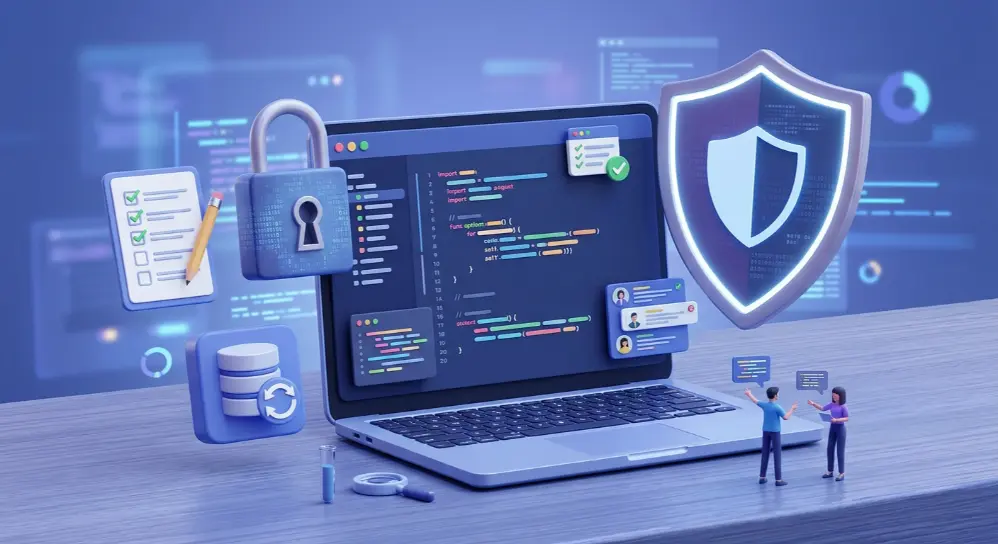
Here are some useful safety tips.
1. Never Share Passwords or Secret Keys
Don’t paste private passwords, database credentials, or API keys into AI prompts unless you’re using a trusted, properly configured environment designed to handle them.
Keep secret information in environment variables or a secure secrets manager.
2. Review the Generated Code
Don’t accept every change without checking it.
Ask AI to explain important parts of your project, especially login systems, database connections, and payment features.
If you don’t understand something important, get help from an experienced developer.
3. Test Every Important Feature
Before launching your project, check that everything works as expected.
For example:
- Test login and logout.
- Check contact and booking forms.
- Test buttons and links.
- Try different input values.
- Check how the app works on mobile.
- Make sure users can’t access private information.
4. Keep Backups of Your Project
Always keep a working copy of your code.
Tools like Git and GitHub can help you track changes and restore earlier versions if something breaks.
This is especially useful when AI makes changes across several files.
5. Check Security Before Launching
If your project handles payments, personal information, or business data, don’t launch it without proper security checks.
Ask a qualified developer to review important parts of the application.
A working website isn’t automatically a secure website.
Vibe Coding vs. Traditional Coding: What’s the Difference?
Both approaches help you create software, but they work in different ways.
Traditional coding involves writing and managing code yourself. Vibe coding uses AI to generate and change much of the code based on your instructions.
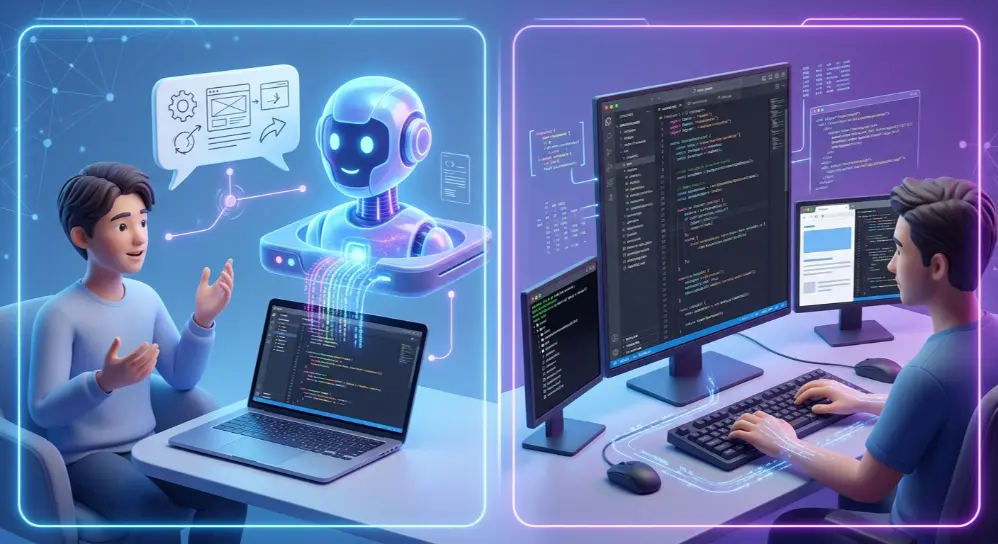
Here’s a simple comparison.
| Feature | Vibe Coding | Traditional Coding |
|---|---|---|
| Main approach | Describe ideas to AI | Write code manually |
| Coding knowledge | Basic knowledge can be enough for simple projects | Programming knowledge is needed |
| Development speed | Often faster for prototypes | Depends on the project and developer |
| Code control | AI generates much of the code | Developer has direct control |
| Debugging | AI helps find and fix errors | Developer investigates and fixes errors |
| Learning process | Learn while building with AI | Learn through programming practice |
| Best use | Prototypes and simple tools | Complex and long-term software |
Which Approach Is Better?
Neither approach is always better.
If you want to create a simple calculator, test a website idea, or build a quick prototype, vibe coding can be a good choice.
However, if you’re creating a large application that handles customer information, payments, or important business operations, you need proper development practices.
Traditional coding gives developers more direct control over the software. Vibe coding can save time by letting AI handle many coding tasks.
In many cases, combining both approaches makes the most sense.
Is Vibe Coding Useful for Professional Developers?
Yes, professional developers can use AI coding tools to improve their workflow.
Vibe coding isn’t limited to people who don’t know programming. Experienced developers also use AI to generate code, test ideas, and complete repetitive tasks.
For example, a developer might use an AI tool to:
- Create a quick prototype for a client.
- Generate a basic website layout.
- Write simple scripts.
- Explain unfamiliar code.
- Create test cases.
- Find possible errors.
- Explore different ways to solve a problem.
However, professional software development requires more than making something that works once.
Developers must also think about security, performance, code quality, testing, and future updates.
That’s where human knowledge becomes important.
A professional developer can review the AI-generated code, understand its structure, find hidden problems, and decide whether the solution is suitable for real users.
For example, a business might need an online payment system. AI can help generate parts of the application, but a developer should still check payment security, data handling, and error management.
So, professional developers can benefit from vibe coding, but they shouldn’t blindly trust AI-generated results.
The best approach is to use AI as a coding assistant, not as a complete replacement for technical knowledge.
Is Vibe Coding the Future of Software Development?
Vibe coding is changing how people think about building software. In the past, you needed programming knowledge to create even a basic application. Now, AI tools can turn simple instructions into working code.
This doesn’t mean traditional programming will disappear.
AI can help create software, but people still need to check whether the code is correct, safe, and useful.
For example, a business owner might use vibe coding to create a basic booking website. But if the website needs secure payments, customer accounts, and a large database, professional development skills become much more important.
In the coming years, AI coding tools may become even better at understanding complex instructions and building larger projects.
However, human skills such as problem-solving, testing, planning, and security will remain important.
The future may not be about choosing between AI and traditional coding. It may be about learning how to use both effectively.
Common Vibe Coding Mistakes You Should Avoid
Vibe coding can be exciting, especially when your first project starts working. But beginners often make mistakes that create problems later.
Here are some common mistakes to avoid.
1. Giving Very Short Instructions
If you only tell AI to “build an app,” it won’t know exactly what you need.
Explain the purpose, features, design, and users of your project.
2. Accepting Every AI Suggestion
Don’t accept every change without checking it.
AI can misunderstand instructions or generate code that creates new problems.
Review important changes before using them.
3. Building Too Many Features at Once
Trying to create a complete application in one prompt can make the project confusing.
Start with basic features and add more as your project grows.
4. Ignoring Errors
Just because your website looks good doesn’t mean everything works correctly.
Test important functions and fix errors before sharing your project with others.
5. Skipping Security Checks
Never assume AI-generated code is automatically secure.
Check login systems, database access, user information, and other sensitive features before launching your project.
6. Forgetting About Future Updates
A project may work today but become difficult to maintain later.
Keep your code organized, save backups, and understand the main parts of your application.
Frequently Asked Questions About Vibe Coding
Here are some common questions people ask about vibe coding.
What does vibe coding mean in simple words?
Vibe coding means using AI to create software by describing what you want in everyday language. Instead of writing all the code yourself, you guide an AI tool through prompts and instructions.
Is vibe coding good or bad?
Vibe coding can be useful for building prototypes, testing ideas, and creating simple applications. However, it can cause problems when people use AI-generated code without checking its quality, security, or functionality.
Is vibe coding only for beginners?
No. Beginners can use it to create simple projects, while professional developers can use AI coding tools to speed up their work. Both groups can benefit from it.
Is vibe coding illegal?
No. Vibe coding itself isn’t illegal. However, the software you create must follow applicable laws, licenses, privacy rules, and intellectual property requirements. Using AI doesn’t remove your responsibility for the code or product you publish.
Is vibe coding free?
Some vibe coding tools offer free plans or limited usage. Others require paid subscriptions for advanced features, more AI requests, or additional services. Check the official pricing pages before choosing a tool.
What are the best tools for vibe coding?
Popular options include Cursor, Replit, Windsurf, GitHub Copilot, Google AI Studio, ChatGPT, and Claude. The best choice depends on your project, experience, and preferred way of working.
Can I build an app using vibe coding?
Yes. You can use AI coding tools to create simple apps, games, calculators, websites, and business tools. More complex applications may require programming knowledge, testing, and professional security reviews.
Do I need to know Python or JavaScript for vibe coding?
No. You can start vibe coding without knowing Python or JavaScript. However, learning basic programming concepts will help you understand the generated code and fix problems more easily.
Will vibe coding replace software developers?
Not completely. AI can automate many coding tasks, but software development also requires planning, problem-solving, security checks, testing, and maintenance. Developers who know how to work with AI may find new ways to improve their productivity.
What is the difference between vibe coding and AI-assisted coding?
Vibe coding usually describes a more conversational approach where you give AI instructions and let it generate much of the code. AI-assisted coding is a broader term that also includes using AI for suggestions, code completion, debugging, and testing while writing code yourself.
Final Thoughts
Vibe coding makes software development more accessible. You can now turn an idea into a basic website, app, or tool without writing every line of code yourself.
Tools like Cursor, Replit, Windsurf, and ChatGPT make this process easier for beginners and experienced developers.
But remember, getting AI to generate code is only one part of building software. You still need to test your project, check for security problems, and make sure everything works properly.
If you’re new to programming, start with a small idea and experiment with an AI coding tool. Learn from the results, improve your instructions, and gradually build more useful projects.
The real value of vibe coding isn’t just creating software without coding. It’s learning how to turn your ideas into something useful with the help of AI.